Technology
Offline AI on Phone: The No-Network Test for Alpie Seed and Dhir
Offline AI on phone used to sound like a hackathon party trick. Then this month two Indian teams shipped models that claim to work with the network switched off: Mumbai lab 169Pi released Alpie Seed on 11 November, and ZenteiQ’s Dhir 2B and Dhir 5B came out at a MeitY event in New Delhi on 3 November. So the question in every group chat is simple. Can your phone actually run this stuff, and should you bother? We built a quick No-Network Test to answer that without the hype.
Table of Contents
First, what is actually new here?
Chatbots like ChatGPT and Gemini live on someone else’s server. You type, your words travel to a data centre, the answer comes back. No signal in the lift, no answer. An on-device model flips that around. You download the “brain” once, and after that it does all the thinking on your phone’s chip. No data pack, no cloud, and your prompts stay on the handset.
Big global players already do small on-device models. What is different this month is that Indian builders are joining the queue with open weights you can download for free. Here is the short version of each.
Alpie Seed (169Pi, Mumbai)
- Size: about 9 billion parameters
- Download size: 5.24GB at 4-bit, with 3-bit and 1-bit builds also listed
- Handles: text, code, images and video
- Context window: 256K tokens, per the company
- Licence: Apache 2.0, free for commercial use
- Where to get it: Hugging Face (GGUF), Ollama, LM Studio, the PocketPal app and 169Pi’s own playground
- Phones tested by the company: iPhone 17 Pro and Samsung Galaxy Z Flip8
Dhir 2B and Dhir 5B (ZenteiQ AiTech)
- Size: about 2 billion and 5 billion parameters, mixture-of-experts design
- Languages: English plus 10 Indian languages
- Built for: offline assistants, document search and citizen services
- Licence: Apache 2.0, weights published on the government’s AIKosh platform
- Runs on: tested mobile hardware, GPUs, TPUs and on-premises servers
One detail worth knowing, because the word “desi” gets thrown around a lot. Alpie Seed’s own technical report says it was post-trained on top of Alibaba’s open Qwen3.5-9B model. That is a normal and perfectly legal way to build models, but it means Seed is an Indian-tuned model rather than an Indian-from-scratch one. Dhir, according to ZenteiQ, was trained from scratch. Both are fine. Just know which one you are cheering for.
The No-Network Test: four questions before you hit download
Downloading a 5GB file to chat with a robot is not a small ask on a mid-range phone. Run through these four checks first. If you get three “yes” answers, go ahead. Fewer than that, and you are better off waiting a few months.
1. Does your phone have the memory for it?
This is the big one. In 169Pi’s own tests, Alpie Seed hit roughly 7GB of peak memory on both the iPhone 17 Pro and the Galaxy Z Flip8. Your phone also needs room for Android or iOS, WhatsApp and the 47 Chrome tabs you swear you will read later. Our rough rule, not an official requirement: treat 12GB of RAM as the comfortable floor for Alpie Seed’s 4-bit build. On an 8GB phone it may load but expect apps to get killed in the background.
Dhir is the lighter option. Gadgets Now’s back-of-envelope maths puts a 4-bit Dhir 2B at around 1GB, which is mid-range territory. ZenteiQ has not published per-phone memory figures yet, so treat that as an estimate.
2. Can you live with slow typing speed?
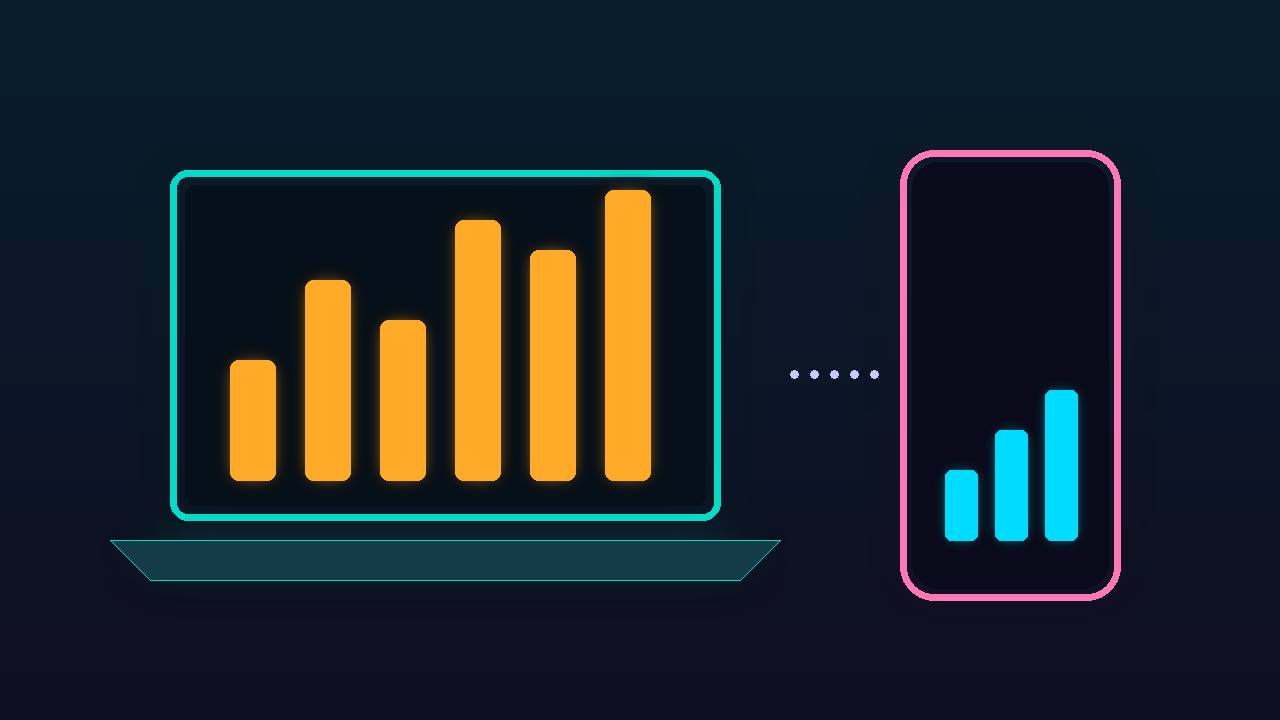
Offline AI is not as quick as the cloud. 169Pi’s reported generation speeds:
- iPhone 17 Pro: about 9.6 tokens per second
- Samsung Galaxy Z Flip8: about 5.9 tokens per second
- MacBook with M2 and 16GB: about 14 tokens per second
- Laptop with a 6GB RTX 3050: about 20 tokens per second
- Windows PC with no GPU: about 1.95 tokens per second
A token is roughly three-quarters of a word. So on the Flip8 you are reading an answer at about the speed your chacha types on WhatsApp. Fine for a short summary, painful for a long essay. And those are flagship numbers. A Rs 20,000 phone will be slower, so set your expectations accordingly.
3. Do you actually have a privacy or no-signal problem?
Be honest here. If you mostly ask AI for recipes and Instagram captions, the cloud apps are faster and free. Offline models make real sense when:
- You travel through dead zones: hill-station trips, long train routes, flights
- You handle documents you do not want on a foreign server, like client contracts, medical reports or salary slips
- You work somewhere that bans cloud AI tools on office devices
- You are a developer who wants a free coding helper without per-token bills
That privacy point is the real selling pitch, and it ties back to a bigger theme we covered in our explainer on AI agent payments in India: the more personal the data, the more you should care where the AI is running.
4. Is your language covered properly?
Dhir supports English plus 10 Indian languages, and Gadgets Now’s report says ZenteiQ pitched it for document work in Indian languages. Which 10 languages exactly was not listed in the coverage we read, so check the model page on AIKosh before you commit. Alpie Seed leans towards coding, reasoning and reading images. Its multilingual performance is mentioned in the technical report, but if your main use is Tamil or Bengali chat, test it with a couple of real questions before you trust it with anything serious.
How to try Alpie Seed on your phone in 10 minutes
Here is the simplest route we found, using the free, open-source PocketPal app that 169Pi itself lists as a supported runtime.
- Connect to Wi-Fi. The 4-bit file is over 5GB, so do not burn your daily mobile data on it. If you are stuck on mobile data, a cheap day pass like the Jio Rs 15 unlimited 5G pack is a smarter way to pull one big download.
- Install PocketPal from the Play Store or App Store.
- Open the menu, go to Models, then tap the plus button to add a model from Hugging Face.
- Search for the 169Pi Alpie Seed GGUF repository and pick the 4-bit build. Skip the 1-bit build unless your phone is struggling, since smaller files usually trade away answer quality.
- Download, tap Load, then switch on airplane mode and ask it something. If it answers, congratulations, your phone is now its own little AI server.
Two small warnings. First, running a 9B model is heavy work, so your phone will get warm and the battery will drop faster than usual. Second, delete the model when you are done experimenting. Five gigs of storage is five gigs of storage.
Dhir is not as plug-and-play yet. The weights are on AIKosh with documentation, but we did not find a ready one-tap phone app listing for it at the time of writing. For now it is more of a developer and government-office tool than a Play Store download for regular users.
Laptop owners, you get the better deal
Funny twist: these “phone” models actually shine on laptops. A 16GB MacBook or a gaming laptop with a small RTX card runs Alpie Seed noticeably faster than any phone in 169Pi’s list. If you just bought a new AI PC, like the variants we compared in our Asus Zenbook 14 India buying guide, an offline model through Ollama or LM Studio is a great way to make that “AI” sticker earn its keep.
The CyberIntro take
Is this paisa vasool? The download is free, so the only real cost is storage, battery and patience. For most people with an 8GB phone, the honest answer is “not yet”. The speed and memory hit is too much for casual use, and the cloud apps you already have are faster.
But if you own a 12GB-plus flagship, travel a lot, or deal with sensitive documents, Alpie Seed is worth an evening of tinkering today. Dhir is the one to watch for Indian-language work once ZenteiQ publishes benchmark scores and someone wraps it in a proper app. Neither company has released independent, third-party benchmarks yet, so treat all performance claims as company figures until outside testers weigh in.
Final Thought
Offline AI on phone is finally real, and it is nice to see Indian labs in the race instead of only watching from the stands. Right now it is a flagship-and-laptop hobby, not a must-have. Give it a year, and today’s 12GB requirement could be tomorrow’s mid-ranger spec. Until then, try it if your phone can handle it, and keep the cloud apps for everything else.